
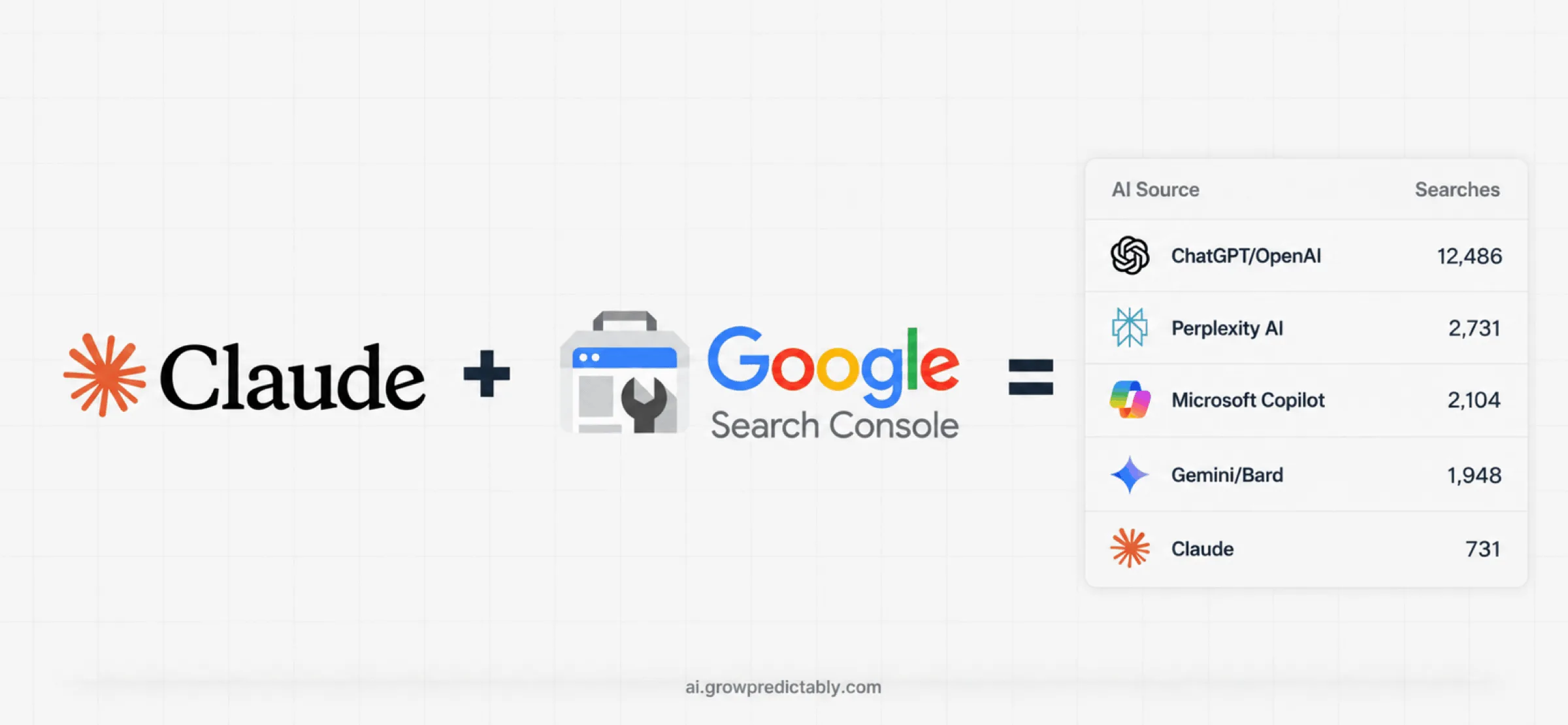

The Claude +Search ConsoleWorkflow
This is the workflow from the post, in full. Two exports, one plugin, a monthly rhythm.
 Brian SheltonFounder, Grow PredictablyFree · 5 Claude skills · 2 subagents
01 / 09 · Read this first
Who built this, and why
I'm Brian Shelton. I run Grow Predictably, where I install growth systems for B2B SaaS founders and marketing leaders. In my day job I lead AI search optimization for a B2B SaaS marketing team.
This is the workflow from the post, in full. Two exports, one plugin, a monthly rhythm. If you'd rather have someone read what it turns up with you, book a call and we'll start there.
02 / 09
The part most teams haven't opened yet
On 31 August 2026, Google finished rolling out the Generative AI performance report to every Search Console user. It tells you how often your pages appear in AI Overviews and AI Mode.
Google announced it on 3 June 2026 and rolled it out through the summer. Until it landed, every AI visibility tool on the market was estimating your presence from the outside, by running its own prompts and counting what came back. Now Google reports it directly, for free, from your own property.
There is a catch, and the catch is the whole job.
The generative AI report gives you impressions and nothing else. No queries, no clicks, no position. The Search performance report you already use has queries and clicks, but no way to separate the AI surfaces from the rest.
So neither report can answer "which question put us in an AI answer" on its own. You get there by joining them on the page URL, and you stay honest that a page-level match is an association, not proof.
That constraint runs through everything below.
03 / 09
Check this one setting before anything else
Google shipped a second control on 31 August: the Search generative AI control. It's a toggle that lets a site owner opt out of appearing in AI Overviews, AI Mode, and AI Overviews in Discover.
A site with it switched on, in Google's words, "will not receive traffic or impressions from our generative AI features."
Find it in Search Console under Settings. Check it, screenshot it, and write down who confirmed it and when.
04 / 09
Install the plugin
- Download the plugin file. It's here: ai-visibility-gsc.plugin
- Open Claude and go to Customize
- Open Plugins
- Click Add plugin, then Upload plugin
- Select the
ai-visibility-gsc.pluginfile you downloaded
Five skills and two subagents are now available in any Claude conversation. To run one, type / and start typing its name, or describe what you want and Claude will pick.
05 / 09
Get your two exports
By hand, this whole workflow is two exports open side by side, matching pages by eye. The plugin does the matching. You still do the exporting, and you do it before you open Claude.
Export 1: the Search performance report
- Open Search Console and pick your property
- Performance in the left sidebar, then Search results
- Set the date range to Last 3 months at minimum. Six is better, twelve lets you compare year over year
- Click Export in the top right, then Download CSV
You'll get a zip with a tab for Queries, Pages, Countries, Devices, Dates and Search appearance. Keep all of it.
Export 2: the generative AI report
- Still under Performance, open the generative AI report. It sits alongside Search results and Discover
- Match the date range to your first export
- Export, then Download CSV
This one carries pages, countries, devices and dates. No queries, no clicks.
Three things that will quietly break your analysis
- The 1,000-row cap. Search Console truncates exports. If a table comes back at exactly 1,000 rows it is cut off, and any total you calculate from it is wrong. Filter before exporting on a large site
- The last three days. Google states that "the newest Search Console data may be preliminary and subject to change." Drop the most recent three days from any comparison
- Chart totals versus table totals. In the generative AI report, two results from your site inside one AI response count as a single impression at property level. Chart and table can legitimately disagree. Never report a small difference between them as a finding
06 / 09
How it works
The post said four things. Here is each one, with the skill that does it.
01Joins the two exports on the page URL: gsc-query-minerGive it: both CSV exports, your category, your ICP, and the three to five competitors buyers actually compare you against.
It does: strips branded and navigational noise, sorts the rest by question shape, pulls out the constraints buyers put in the search box, then joins your queries to your AI-surface impressions on the page URL.
You get back: a working set of 20 to 30 queries, your pages sorted into four buckets, and a list of the buyer constraints that appear in real searches but not on your site. That last list is usually the most useful thing in the run.
This is where the two outputs from the post come from. The pages already in AI answers, with the buyer questions that most likely put them there. And, once the next skill runs, the queries where Google still shows the page and the click stopped coming.
02Scores every query 0 to 100: shortlist-intent-scorerGive it: the working set, plus your deal size and who signs.
It does: scores each query 0 to 100 across four components. Vendor pull (does an answer to this name vendors at all) carries the most weight, then buyer proximity, reachability, and competitive stake.
You get back: four bands. Work now, queue, watch, parked. Expect five to twelve queries above 80. If thirty clear it, the scoring was generous and you should re-run it.
03Where the click stopped coming: ai-answer-absorption-finderGive it: this period and the same period last year, plus any site changes in the window.
It does: finds queries where impressions held, position held, and clicks fell. Then it rules out the boring explanations before blaming AI, because most apparent absorption is a rank slip, a season, or a tracking change.
You get back: a ranked list of where visibility survived and the click didn't, with the ruled-out cases shown separately so you can argue with the logic.
For context: SparkToro's analysis of Similarweb clickstream data found 68% of US Google searches ended without a click between January and April 2026, up from 60% in 2024. Where AI Overviews appeared, click-through rates dropped by nearly 60%. Your own numbers are what matter. That's the weather everyone is operating in.
04Rewrites one page at a time: liftable-page-rewriterGive it: one page's full text, the queries it should serve, and any hard facts you can substantiate.
It does: scores the page on six extraction tests, then rewrites it so an answer engine can lift a specific, attributable sentence out of it without losing the page's persuasion for a human reader.
You get back: the rewritten copy in your voice, a change log tied to which test each edit fixed, honest schema recommendations, and a written hypothesis about what should move.
Work one page at a time, then measure. Rewriting five pages before a checkpoint means you learn nothing about which one worked.
05Checks month on month: ai-visibility-monitorGive it: last full month and the month before, plus what you shipped and when.
It does: reports four numbers. Total AI-surface impressions, AI-surface impressions on your priority pages, clicks from your high-intent queries, and how many of your manual checks named you.
You get back: a one-page report written for someone who wasn't in the room, with movement separated into likely, possible, and unattributable. When it can't tell, it says so, in that column, rather than rounding up.
The two subagents
gsc-data-analyst cleans and joins the raw CSVs, normalizes URLs before joining (trailing slashes and tracking parameters will silently break a join and hand you a confident wrong answer), and reports what failed rather than hiding it.
citation-tracker runs the monthly manual checks and keeps the log. Those checks are the only direct evidence in this whole system. Everything else is inference from aggregates.
07 / 09
What it won't do
It won't call an impression a citation. An impression means a link to your page appeared inside a generative feature. It is not a recommendation and not a quote.
It won't claim a specific question put you in a specific AI answer. Search Console reports no queries for AI-surface impressions, so any page-level match is an association, and the plugin labels it that way every time.
It won't give you a live dashboard. The report has no API access documented by Google, so this is a manual CSV export and a monthly rhythm.
And it won't prove that AI visibility caused revenue. If you have not measured pipeline impact, the report should say you have not measured pipeline impact.
One rule I keep throughout: automate the analysis, never the claim. Claude gets you to the 50-yard line. You verify the rest, especially the number you're about to put in front of a leadership team. Publishing a figure you can't defend is how you lose a category, not win one.
08 / 09
If you'd rather not run it yourself
Two exports, five skills, and a monthly rhythm you never break. The method is here in full. Holding that rhythm for a year while nothing moves in month two is the part most teams don't finish.
That's what the 90-Day AI Shortlist Accelerator is. Ninety days, $9,000 flat, nothing renews, one client at a time. Built for B2B SaaS companies in markets where buyers compare vendors before they choose.
- 20 buyer questions built from your own sales records and approved by you, checked in ChatGPT, Claude, Perplexity and Google AI Mode at four checkpoints
- Up to eight existing pages rebuilt and up to four comparison pages built, in your buyers' language, every claim traceable to something checkable, every page approved by you before it goes live
- Re-checks at days 30, 60 and 90 against the same questions
- A day-90 handoff: the questions, the method, the answers, a rerun guide, and a twelve-month plan with a named owner, so your team runs the check without me
What I guarantee is the agreed page work, three re-checks of the same 20 questions, clear reports, and the tools your team keeps. I don't guarantee what an AI tool will say, or that any specific answer changes. Nobody controls that.
The first step is a $1,500 AI Search Assessment, credited toward the Accelerator if you start within 30 days. Before that, a free 30-minute call to see whether it's a fit. If it isn't, I'll say so and you owe nothing.
More on the engagement: ai.growpredictably.com
09 / 09
Sources
Every claim about what Search Console does and doesn't report comes from these. Checked 25 September 2026.
- Introducing Search Generative AI performance reports in Search Console - Google Search Central Blog, 3 June 2026
- Generative AI performance report (Search) - Search Console Help
- Google Search Console AI performance reports and Search generative AI control rolling out globally - Search Engine Land, 31 August 2026
- Google Search Console Generative AI Performance Report & AI Control Live - Search Engine Roundtable, 31 August 2026
- Google zero-click searches reach 68% in early 2026 - Search Engine Land, reporting SparkToro's analysis of Similarweb clickstream data